
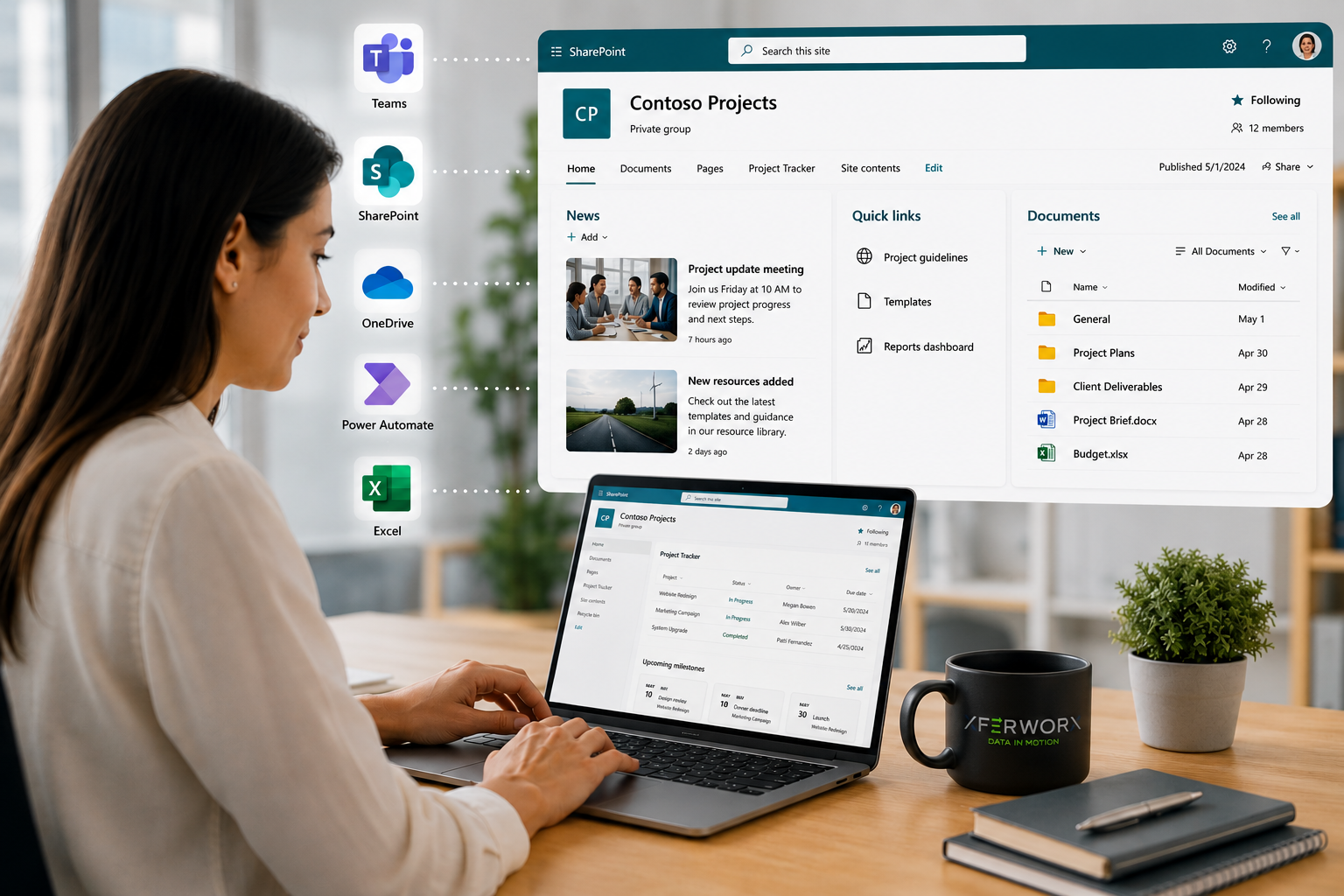
Is SharePoint easy to learn? It is one of the most common questions asked by organizations exploring deeper use of Microsoft 365. SharePoint has a reputation for being powerful, flexible, and enterprise-ready. It also has a reputation, in some circles, for being complicated. The truth sits somewhere in between. SharePoint is not inherently difficult, but it is a platform whose ease depends entirely on how you approach it and what you expect it to do for your business. For basic users, the system is generally straightforward. For architects, administrators, and decision-makers driving digital transformation, the learning curve becomes more strategic. Understanding this distinction is essential before judging whether SharePoint is easy or difficult. At a high level, SharePoint is easy for end users and complex for those responsible for designing, governing, and scaling the platform. The difference is not the tool. It is how the platform is implemented.
The User Experience: Easier Than Many Expect
From an end-user perspective, SharePoint Online has evolved significantly over the years. The modern experience prioritizes simplicity. Navigation menus are cleaner, document libraries are faster, and search capabilities are stronger. Integration with Microsoft 365 reduces switching, allowing users to move seamlessly between Teams conversations and SharePoint document storage. Because files shared in Microsoft Teams are typically stored in SharePoint behind the scenes, users often interact with SharePoint without even realizing it. A structured orientation session, paired with clear internal guidelines, often eliminates confusion. In this context, SharePoint is absolutely manageable. The learning curve is comparable to any business-grade collaboration platform. Where organizations run into trouble is not at the user level but at the design level. When structure is inconsistent or is unclear, for example, when permissions are applied inconsistently, duplicate sites are created, or metadata is poorly organized, users experience friction. That friction is frequently mistaken for platform difficulty, when in reality it is an implementation issue.
The Administrative and Architectural Layer
SharePoint becomes more complex when you step into administrative control. Site collection design, permission inheritance, content types, managed metadata, and retention policies require deliberate planning. Without a coherent strategy, environments can quickly cluttered, resulting in duplicate content, inconsistent navigation, excessive permissions, and difficulty locating information across sites. Learning SharePoint administration involves understanding both technical settings and business workflows. You are not simply configuring software. You are modeling how information flows across departments. That requires clarity around processes, compliance requirements, and long-term scalability. For IT professionals with experience in enterprise systems, this learning curve is manageable but substantial. For non-technical administrators attempting self-implementation without guidance, it can feel overwhelming.
Automation and Integration: Where the Platform Shines
SharePoint’s true value emerges when automation and integration enter the . Through Power Automate, Azure services, and structured data connections, organizations can automate processes such as document approvals, employee onboarding, contract routing, and form submissions. By replacing manual handoffs with standardized workflows, businesses can improve consistency, reduce administrative effort, and gain better visibility into operational data. This is where many businesses discover that learning SharePoint is less about mastering menus and more about understanding process optimization. For example, a contract approval workflow can automatically route documents to the appropriate stakeholders, notify reviewers, apply metadata once approved, and archive the final version in SharePoint. Building these types of automated workflows, syncing data across systems, and surfacing analytics dashboards requires a strategic mindset. When implemented correctly, the system becomes an engine for efficiency rather than a static repository.
Time Investment and Learning Curve
The time required to learn SharePoint varies by role. End users often reach comfort within days or weeks. Power users who manage content and light configuration, such as maintaining document libraries, managing metadata, editing pages, or configuring permissions, may require weeks of structured exposure. Administrators and solution architects will invest months refining expertise, particularly when integrating SharePoint with services such as Microsoft Teams, Power Automate, Microsoft Purview, Microsoft Entra ID, and broader Microsoft 365 governance frameworks. This staged learning process is normal. Like most enterprise platforms, SharePoint requires time to master, much like Microsoft Dynamics 365, Salesforce, or ServiceNow. What matters is whether the effort produces measurable gains in efficiency, visibility, and collaboration. When implemented strategically, the return justifies the investment.
How the Right Partner Reduces Complexity
Organizations rarely struggle because SharePoint is inherently difficult. More often, the challenge lies in planning for complex requirements such as compliance, migration, security, information architecture, and long-term governance. Structured scoping helps define business objectives, workflow analysis identifies opportunities for automation, data mapping ensures information is organized effectively, and governance planning establishes clear standards for permissions, content management, and long-term administration. This is where experienced guidance matters.
At XferWorx, we approach SharePoint implementation with precision and discipline. Our automation-first mindset ensures repetitive tasks are streamlined from the beginning. We focus on unlocking siloed data, integrating systems securely within the Microsoft environment, and designing scalable solutions that evolve with your operations. Because we operate with focused, efficient engagement models, clients experience faster deployment without sacrificing quality.
Contact us to discuss how we can design a SharePoint environment that fits your workflows, strengthens data visibility, and scales with your growth objectives.